The solution/walkthrough is baked into the image this time!
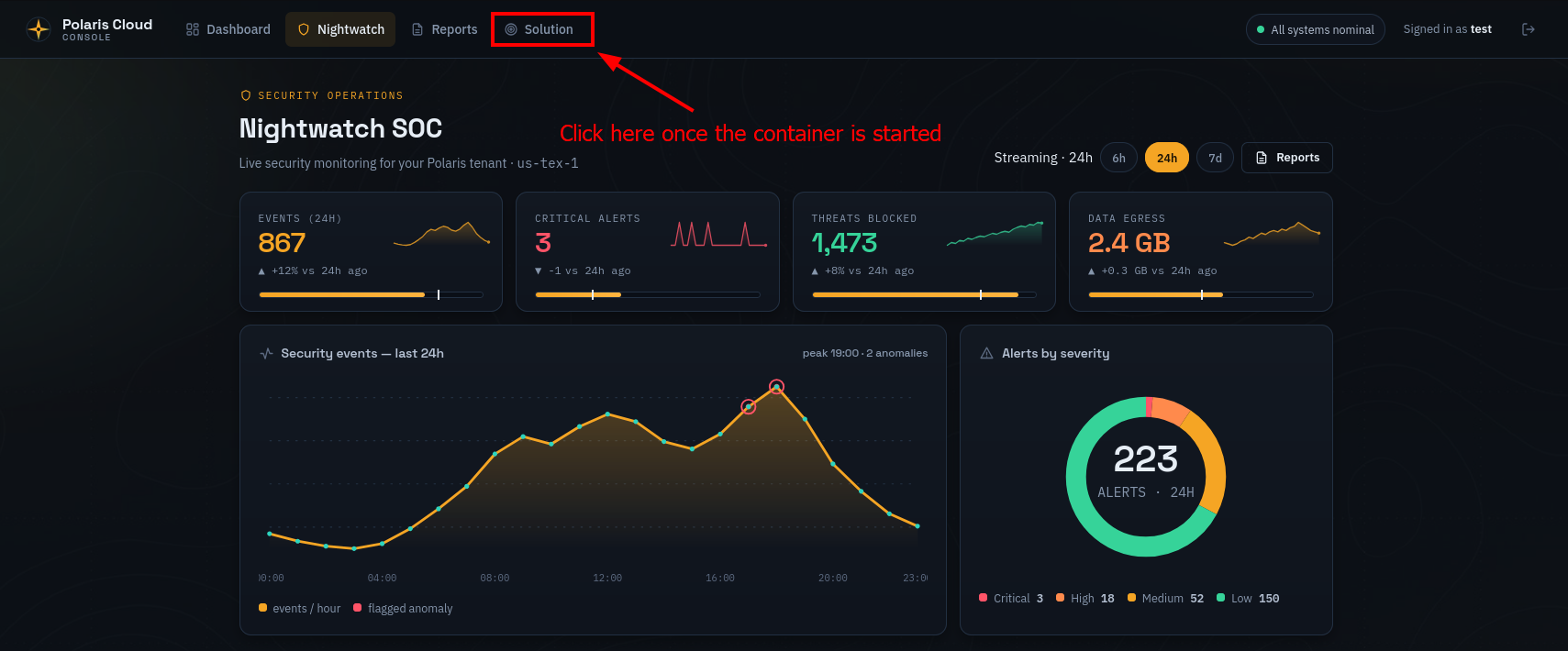
Once your container is running, the full walkthrough lives right inside the challenge app — no separate write-up needed. Start the container, open the dashboard, and head to the Solution tab in the top navigation.
Where to find it
After you run the challenge and browse to http://localhost:12334, click the Solution link in the Nightwatch SOC console (highlighted below) to reveal the walkthrough.
Click the Solution tab once the container is started.