CyberPatriot Training Images
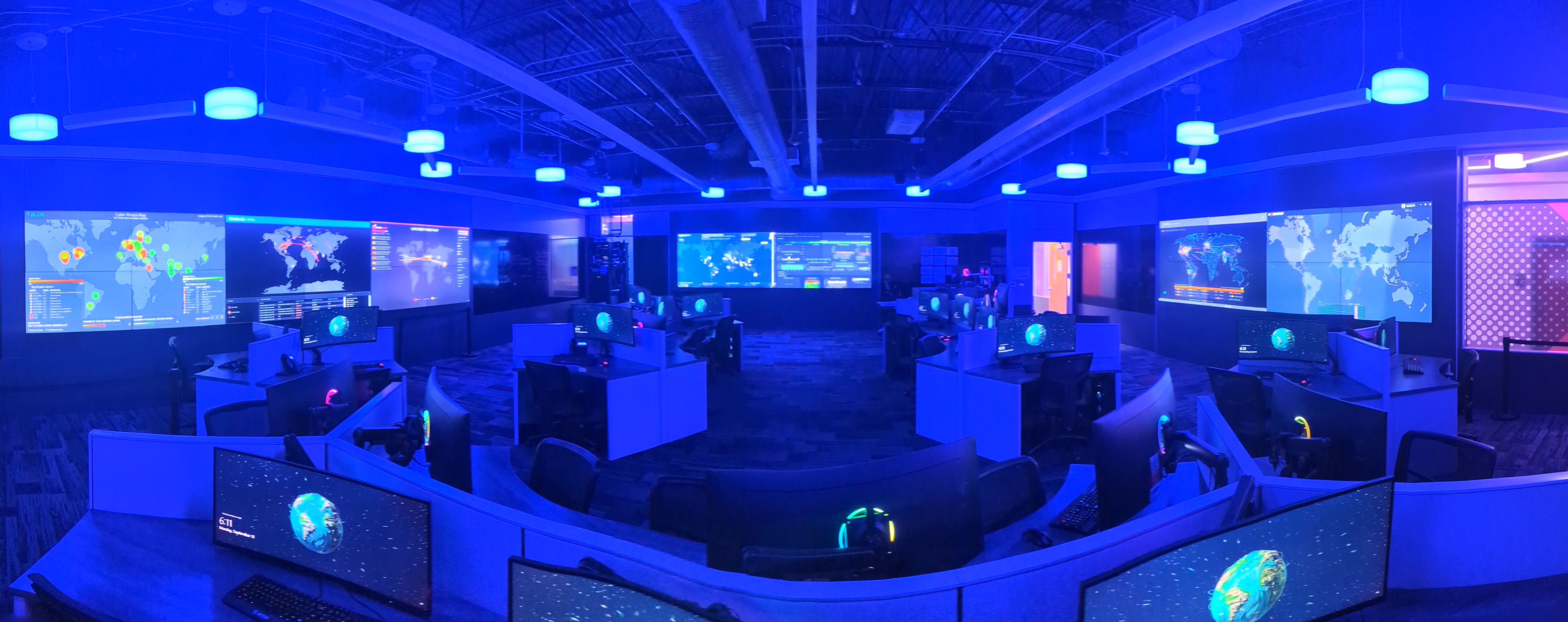
iCSI Security Operations Center Classroom (Northeast ISD, San Antonio.)
About These Images
A curated collection of scored CyberPatriot training images that can be used in team practice prior to competition.
Default login for all images — username: student · password: student
Download Images
Debian Training Images Series
A scored Debian 12 series (one topic per image). What they cover:
- Web Stack (Nginx · BIND9 · PHP-FPM) — DNS virtual hosts, reverse-proxy routing, secured PHP-FPM sockets, path-traversal & server-token hardening.
- AppArmor (Mandatory Access Control) — writing & enforcing least-privilege profiles and remediating a poisoned profile.
- Host Firewalls (UFW & iptables) — default-deny egress filtering, SSH rate-limiting, and removing a raw iptables exfiltration rule.
- Samba & POSIX ACLs — securing shares (no guest, no SMBv1) and granular setfacl/getfacl permissions.
- Shared Libraries — ld.so.preload rootkits, LD_PRELOAD / LD_LIBRARY_PATH abuse, and library-path hardening.
- Low-Level Security — GRUB PBKDF2 passwords, kernel-module blacklisting, sysctl, and physical-console hardening.
- Authentication (PAM) — password complexity, account lockout, PAM stack ordering, and securing su.
- Logging & Auditing — auditd rules (execve, /etc/shadow), immutable rules, remote syslog, and logrotate.
Mint 21 Training Images Series
A scored Linux Mint 21 series (one topic per image) covering Linux fundamentals. What they cover:
- Filesystem Navigation & File Operations — cd/ls/find navigation, mkdir/mv/cp/rm, finding hidden & world-writable files, and chmod/chown basics.
- Local Account Management — creating/removing users, fixing login shells, groups & sudo membership, locking accounts, and auditing NOPASSWD.
- File Permissions & Ownership — the binary/octal model, symbolic & octal chmod, chown/chgrp, SUID/sticky bits, and umask.
- Display Manager & GUI Security (LightDM) — disabling autologin/guests, hiding the user list, a login banner, and screen-lock/USB policy via dconf.
- Process Management — ps/top/htop, killing rogue processes, removing persistence, port-to-process mapping, and reclaiming disk (df/du).
- systemctl & Service Management — start/enable vs stop/disable, masking, finding a disguised rogue service, and repairing a unit with journalctl.
- Cron & Task Scheduling — the 5-field schedule syntax, cleaning user/system crontabs & cron.d, permission lockdown, and cron.allow/at.allow.
- APT Package Management — update/upgrade, remove vs purge, autoremove, purging hacking tools, and removing unauthorized PPAs/keys.
- Network Inspection & Host Firewall — ip/ss/netstat, cleaning /etc/hosts, debsums integrity checks, and a default-deny UFW.
FreeBSD training image
FreeBSD practice image.
Requirements
You will need VMWare Workstation (Player or Pro) to run these virtual machines. Ensure your host machine has sufficient RAM and disk space.